How to Simulate a Moving Vehicle in a Telematics Integration Test
Static GPS coordinates aren't enough. Learn how to simulate realistic vehicle movement for telematics integration tests - without a real car.
Static GPS coordinates only take you so far. Your backend needs to handle continuous position updates, speed changes, trip events, and geofence crossings - behaviours that don't emerge from a handful of hardcoded points.
Why Static Data Falls Short
Real vehicle movement creates patterns that static data doesn't cover:
- Position updates arrive continuously at fixed intervals (every 10–30 seconds)
- Speed, heading, and altitude change between records
- AVL parameters like ignition, odometer, and RPM correlate with movement
- Trip detection depends on ignition events and movement gaps
- Geofence triggers fire at specific coordinates along a route
To test these properly, you need a data source that updates live, along a realistic path - not a replayed file.
Simulating Vehicle Movement with Telemify
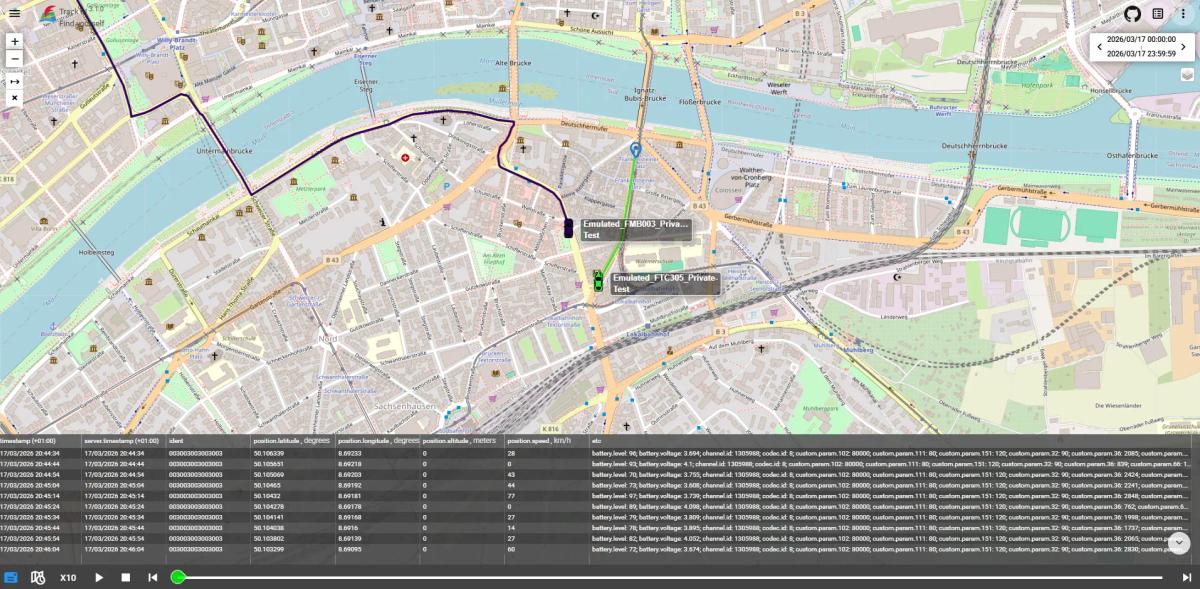
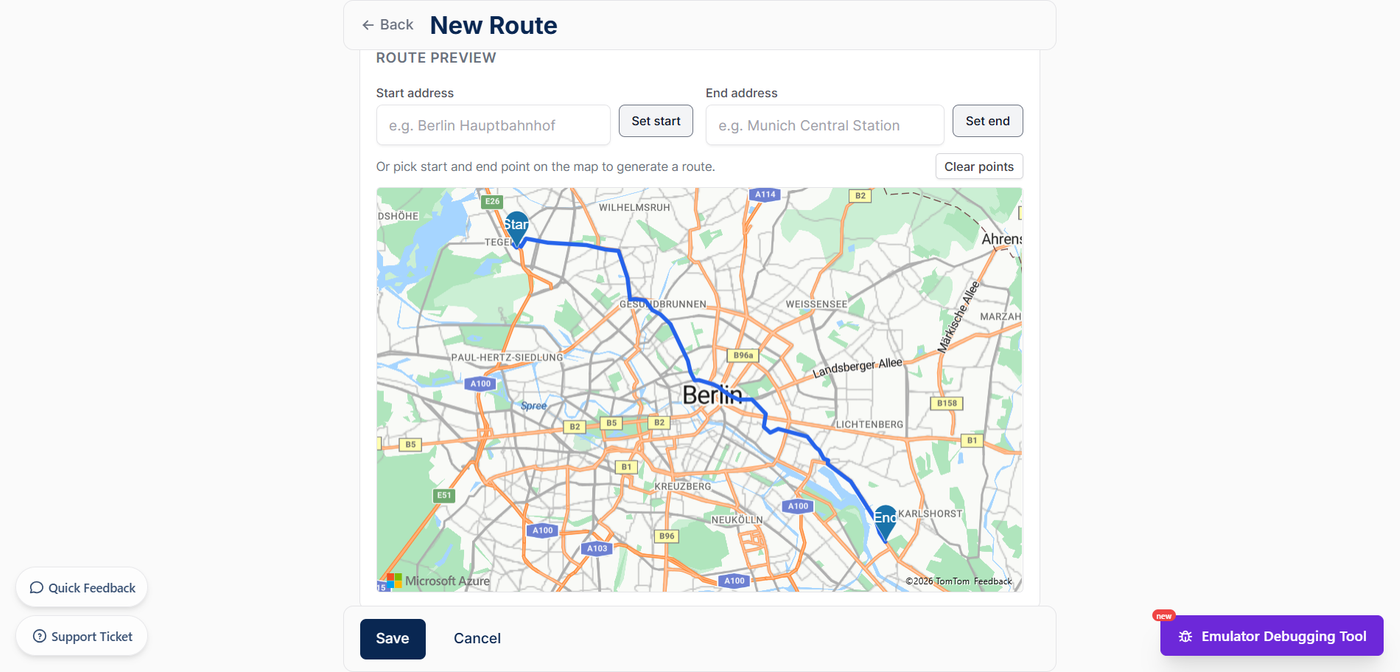
Telemify is a Teltonika device emulator. Draw a route on a map, assign it to a virtual device, and start the emulator. The device moves along the route and sends real Codec8 telemetry to your server at the configured interval.
Each record includes: GPS coordinates progressing along the route, calculated speed and heading, configurable AVL parameters (ignition, odometer, fuel), and correct Codec8 binary encoding - identical to a physical Teltonika device.
Specific Scenarios You Can Test
Trip detection - start and stop the emulator to generate ignition events; verify your backend identifies trip boundaries correctly.
Geofence entry/exit - draw a route that crosses a boundary; confirm your platform fires the right alert at the right coordinate.
Multiple vehicles - run several virtual devices simultaneously to test concurrent telemetry handling.
Scheduled runs - configure emulations to start at specific times for overnight load tests or pre-demo staging.
In Your Test Workflow
- Development - run a live emulator while building features, so you always have real telemetry to work against
- Staging - schedule recurring runs to keep environment data fresh
- QA - define routes that cover edge cases and run them repeatably
- Sales demos - show a live moving fleet to prospects without real vehicles
Try Telemify for free 👉 https://telemify.io