SinoTrack ST-901 on Traccar: Test Your Server Before the Tracker Arrives
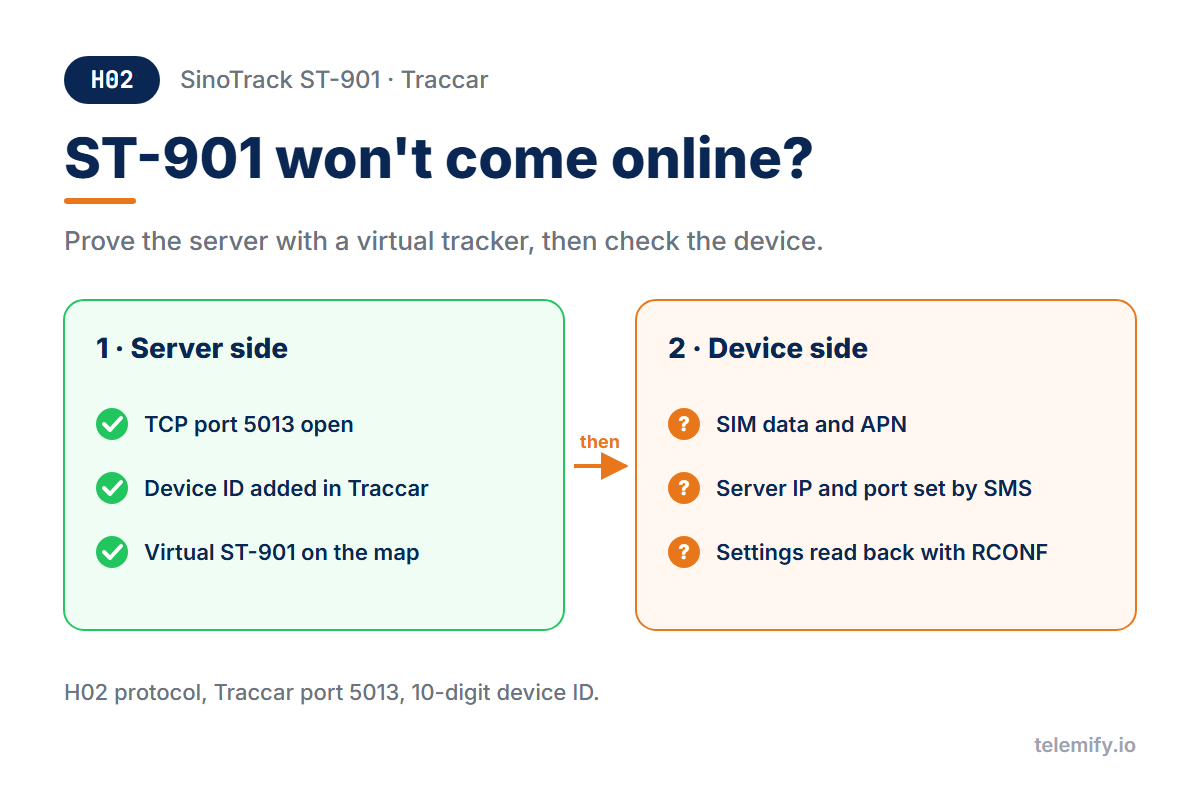
SinoTrack ST-901 won't show up in Traccar? Prove your server works with a virtual ST-901 first, then fix the device side. H02 protocol, port 5013.
The SinoTrack ST-901 is one of the most common budget trackers, and Traccar is one of the most common places to send its data. It's also the subject of countless "my ST-901 won't come online" forum threads - because when nothing shows up, you can't tell whether the server or the device is wrong.
The fix is to test the two halves separately.
Check Which Protocol Your Model Uses
The classic ST-901 speaks H02, on Traccar port 5013. Not every newer variant does: Traccar's device list puts the ST-901 A+ and ST-902W on JT/T 808 instead. Check your exact model first - this guide is for H02 devices.
Prepare the Server
- Port 5013 is open for TCP, in the firewall and in Docker if you use it (setup guide).
- The device exists in Traccar with the exact ID the tracker sends. The ST-901 usually reports a 10-digit ID; send
RCONFto the tracker to see the exact one. Traccar drops data from unknown IDs, and the only trace is an "Unknown device" line in its log.
Prove the Server With a Virtual ST-901
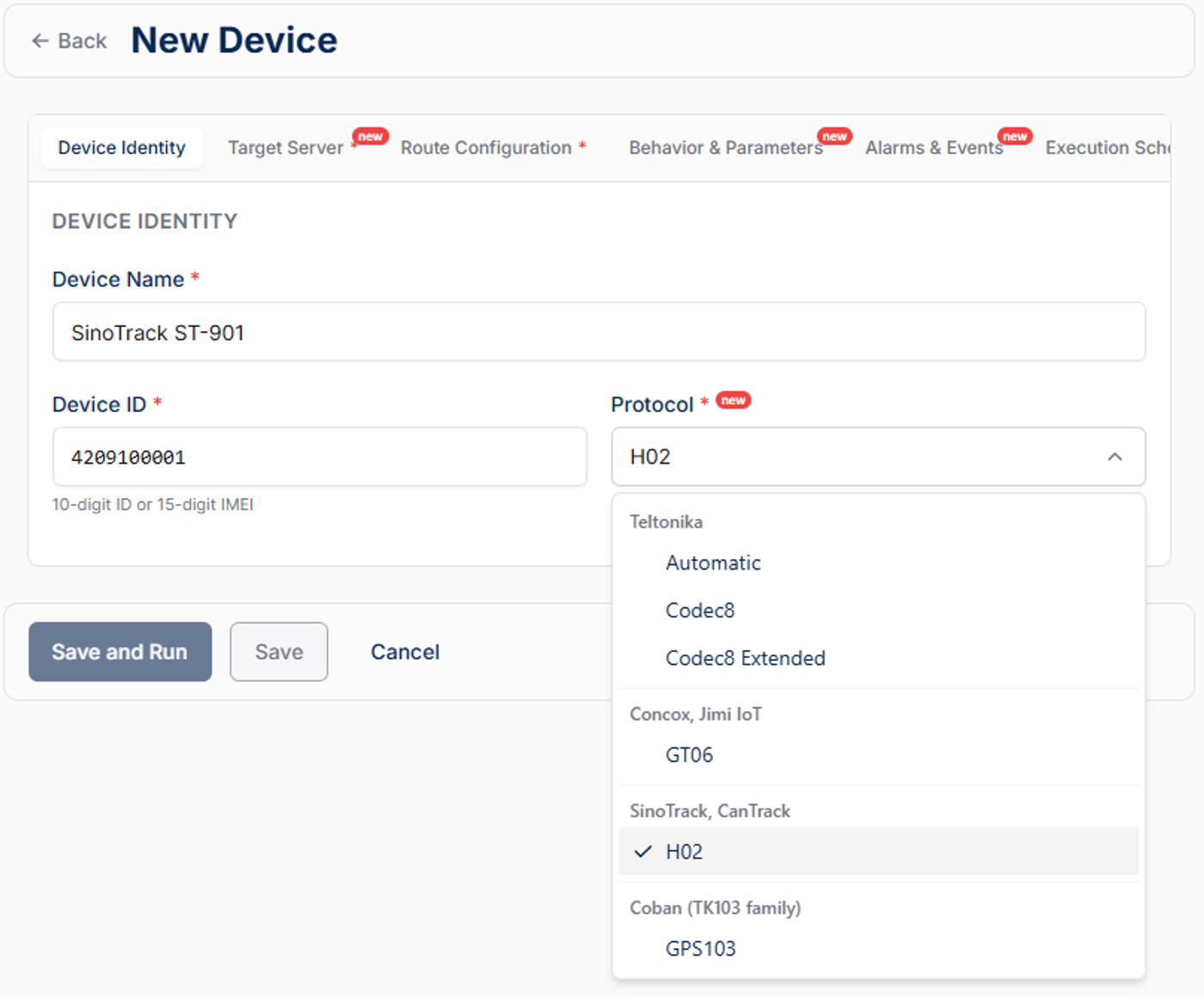
In Telemify, create a device:
- Protocol - H02, under "SinoTrack, CanTrack"
- Device ID - the same 10-digit ID you added in Traccar
- Target Server - your server's address and port 5013
- Route - any route, then start
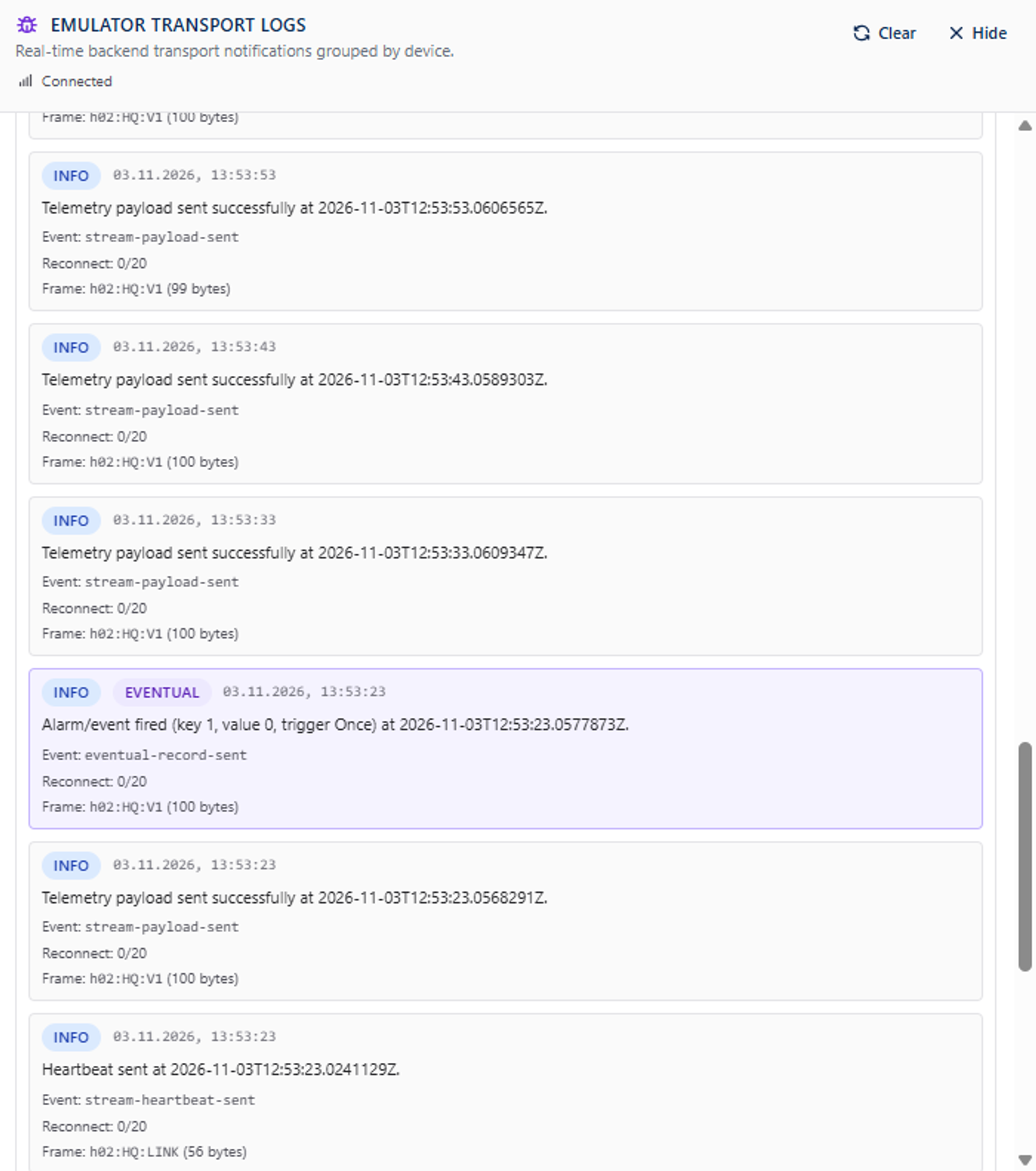
Within seconds the Emulator Debugging Tool shows each position going out, and the device moves on Traccar's map. If that works, your server side is done.
What to Test
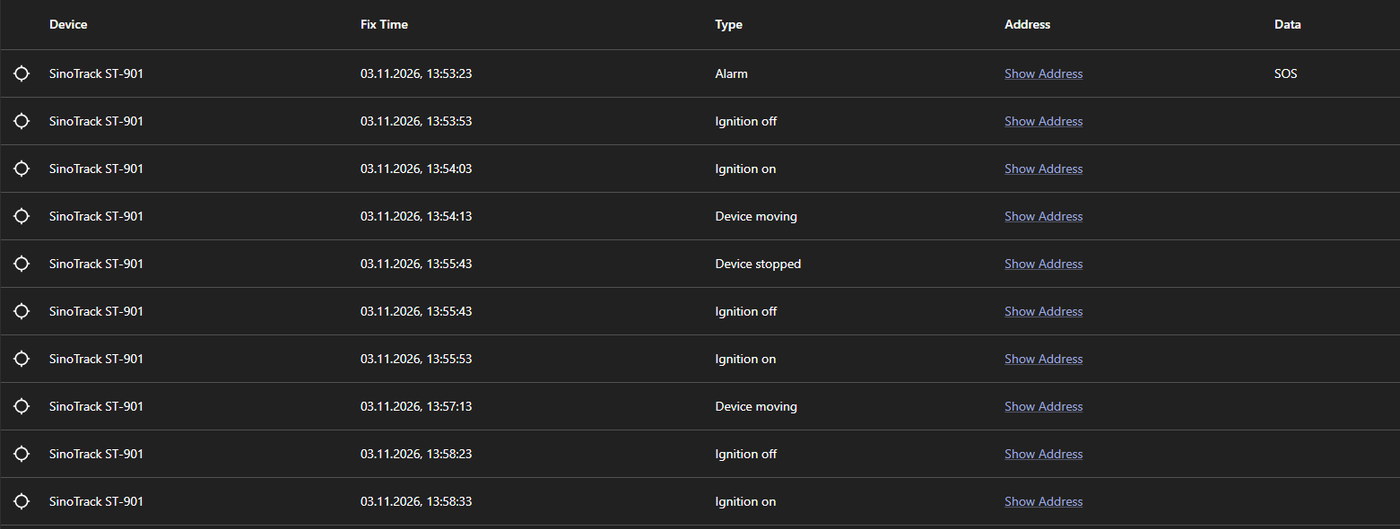
- Alarms - schedule SOS, overspeed and power cut in the Alarms & Events tab and check that Traccar raises the matching alarm events.
- Ignition - follows the driving mode, so trips start and stop on their own.
- Battery - with a 10-digit ID, use the
LINKheartbeat. Traccar reads theHTBTheartbeat only from 15-digit IMEIs.
When the Real ST-901 Arrives
If the virtual device works and the real one doesn't, the problem is on the device side: SIM data, APN or the server address. The ST-901 is configured by SMS - the manual's 803 command sets the APN and 804 sets the server IP and port, both followed by the password (0000 by default). Send RCONF to read the settings back. Prefer a plain IP address over a domain name: users report the tracker resolves the name once and keeps that IP.
How H02 works under the hood: H02 protocol explained.